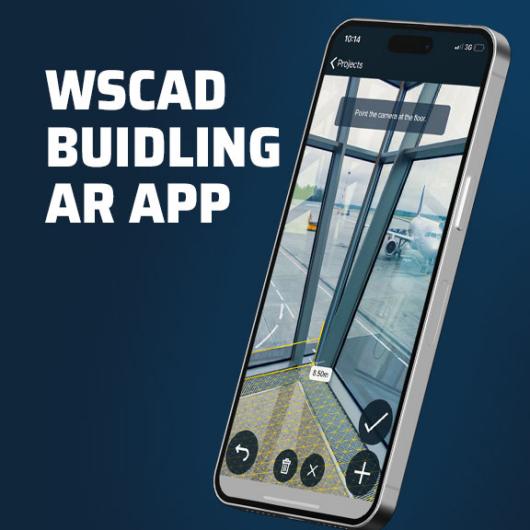
With the Cabinet AR App, you bring your electrical schematics directly to the control cabinet – digital, mobile, and always up to date.
The app was specifically designed for technicians, service engineers, maintenance personnel, and commissioning specialists who want to work efficiently, accurately, and completely paper-free.
Whether it’s for wiring, inspection, or maintenance – with the Cabinet AR App, you always have all relevant information for your project at your fingertips on your smartphone or tablet (iOS or Android).
Using Augmented Reality (AR) or the classic 2D view, you can virtually visualise components, check wirings, retrieve documentation, and record changes directly in digital form – all without paper diagrams or manual updates.
New in the current version
The new version of the Cabinet AR App brings numerous enhancements that make your work in cabinet engineering even simpler and clearer:
Modernised user interface
With more overview and greater space for content, the top menu bar has been replaced by floating “Start” and “Search” buttons, keeping the focus entirely on the schematic – ideal for work on tablets or smartphones.
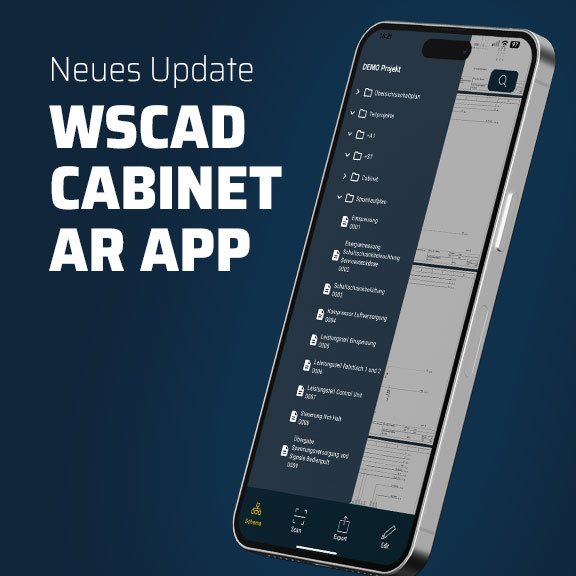
New project navigator
The newly structured side panel enables quick switching between project sheets, so you can navigate large, complex projects effortlessly without lengthy scrolling.
Complete ELECTRIX export
You can now display all disciplines of a project exported with ELECTRIX (from version 7.3.2.x – “ELECTRIX AI Update 2”) directly in the app – including electrical engineering, fluid engineering, building automation, and process engineering – so you have complete documentation at hand at all times.
All symbol texts available
The properties list now shows all symbol texts for each element, simplifying identification and documentation of individual components.
Optimised wiring list
The connection display has been improved:
- Fully wired conductors (both ends checked) are highlighted in green.
- The wire colour is now shown as a standard property next to source and destination in the portrait view.
- Wire cross-section is now also displayed, for even greater clarity when testing and wiring.
Extended indicators
Connection indicators now also appear on secondary elements, so you can keep track even in complex wiring.